

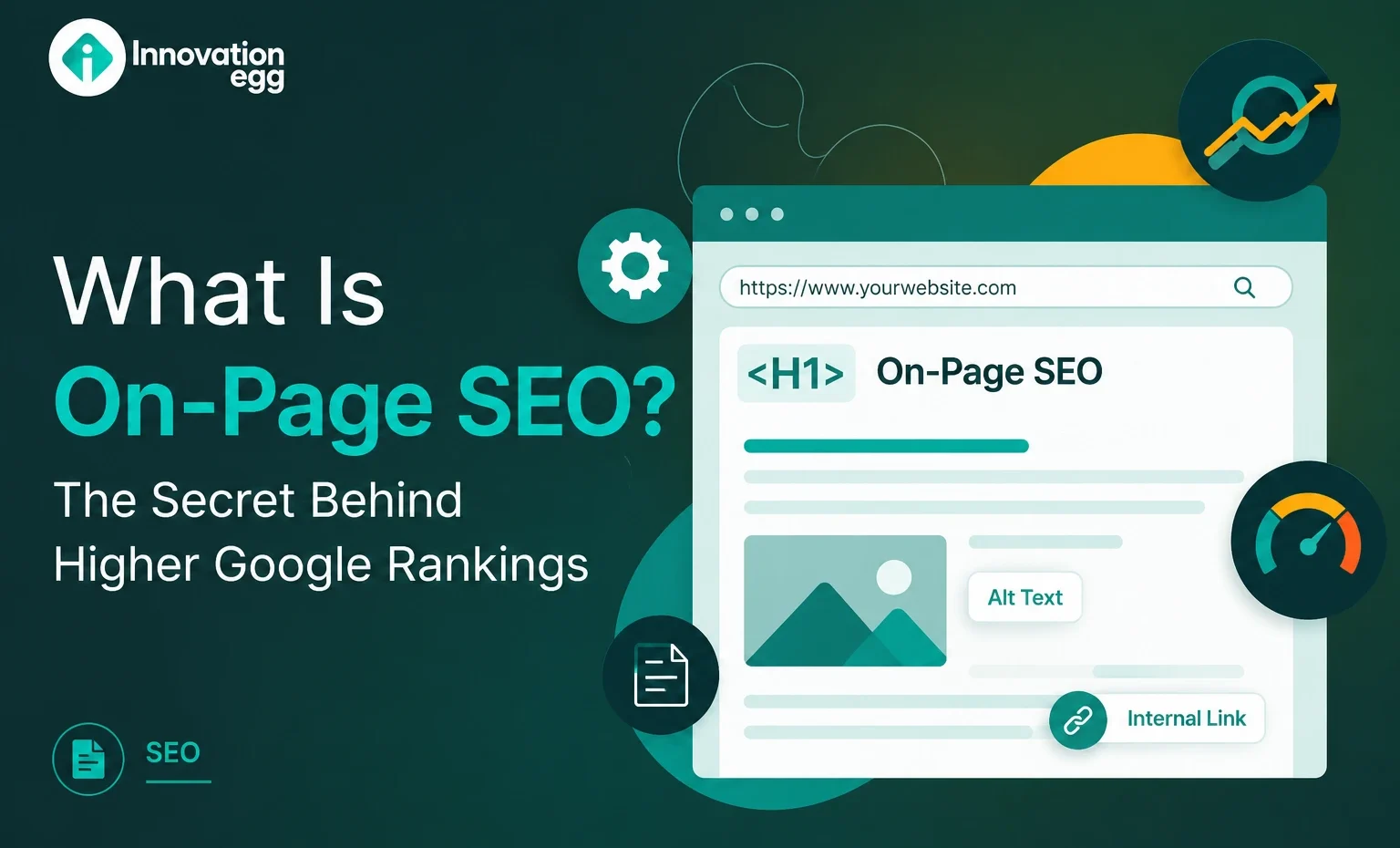
What Is On-Page SEO? The Secret Behind Higher Google Rankings
Every website owner wants better search engine visibility. Ranking on Google’s first page drives steady organic traffic and opportunities.
To achieve higher rankings, you need to do more than publish content. Search engines must understand your page’s purpose, determine if it answers user questions, and judge the experience it provides. On-page SEO plays a key role in this process.
On-page SEO involves optimizing a webpage’s text, images, and structure to improve search engine rankings and user experience. It focuses on elements you can control, like content, keywords, page titles, and organization making your website easier for users and search engines to understand.
Before we get into the details, let’s first clarify what on-page SEO is and why it matters.
What Is On-Page SEO?
On-page SEO improves individual web pages so search engines can better understand their topic and relevance. It involves optimizing visible content, such as text and images, and behind-the-scenes elements, such as code and descriptions, that affect search performance.
Unlike off-page SEO, which focuses on external factors such as backlinks and brand mentions, on-page SEO happens directly on your website.
Some important elements of on-page SEO include:
- Keyword optimization
- SEO-friendly content
- Title tags
- Meta descriptions
- Heading structure
- URL optimization
- Image optimization
- Internal linking
- User experience improvements
The aim: create pages that satisfy both search engines and users.
When you properly optimize a webpage, Google can understand the page’s purpose and match it with relevant searches.
Why Is On-Page SEO Important for Google Rankings?
Google’s goal is to provide users with the most helpful and relevant results. A well-optimized page helps search engines identify whether your content is a good answer to a search query.
On-page SEO is important because it can help you:
Improve Search Visibility
Without optimization, your quality content may struggle to appear in results. When you use keywords properly, structure your content clearly, and organize your information, you help search engines find and rank your page.
Increase Organic Traffic
Higher rankings usually lead to more clicks. When your page appears for relevant searches, you can attract visitors without paying for advertisements.
Improve User Experience
SEO improves user experience. When you structure your page well, readers can find and read information more easily.
Build Website Authority
Consistently publishing optimized, useful content helps establish your website as a trusted source of information.
How Does On-Page SEO Work?
Search engines use automated systems called crawlers. These computer programs scan your web pages and analyze different signals, such as keywords and links, to understand your page’s content.
They look at factors such as:
- What topics does the page cover
- How keywords are used
- Whether the content matches the search intent
- How users interact with the page
- Whether the information is valuable
For example, if someone searches “how to improve website speed,” Google looks for pages that clearly explain website speed optimization instead of those that just repeat keywords. Keywords tell Google what your page covers, but content must answer user needs.
Key On-Page SEO Ranking Factors
1. Keyword Optimization
Keywords are words people type into search engines. The right keywords communicate your page’s topic to Google.
Do not overuse keywords; use them naturally in your writing.
Effective keyword usage includes:
- Adding the main keyword naturally
- Using related terms
- Including keywords in headings
- Writing content around user intent
Important keyword placement areas include:
- Page title
- First paragraph
- Headings
- URL
- Image descriptions
- Meta description
Write naturally and ensure your content clearly covers the topic.
2. SEO-Friendly Title Tags
The title tag is one of the first things users and search engines see. The title tag is the text that appears as the clickable headline in search engine results and at the top of the browser tab.
A strong title should:
- Clearly describe the page.
- Include the target keyword.
- Encourage users to click.
- Avoid unnecessary words
Example:
Weak title:
“SEO Tips”
Better title:
“On-Page SEO Guide: How to Optimize Your Website”
A clear title improves the chances of attracting clicks from search results.
3. Meta Description Optimization
A meta description is a short summary of a web page’s content that appears below the title in search results. It helps people decide if your page is relevant to their search.
Although meta descriptions may not directly determine rankings, they can influence click-through rates.
A good meta description should:
- Explain what users will learn.
- Include relevant keywords naturally.
- Highlight the benefit of reading the page.
Example:
“Learn what on-page SEO is, why it matters, and how to optimize your website for better Google rankings.”
4. Proper Heading Structure
Headings organize your content and make it easier to understand.
A good structure usually includes:
H1:
The main page topic
H2:
Major sections
H3:
Supporting points
For example:
H1: What Is On-Page SEO?
H2: Benefits of On-Page SEO
H3: Improving Content Quality
A logical structure helps users read your content more easily and enables search engines to understand how your topics relate to one another.
5. High-Quality Content
Content quality is one of the most important parts of SEO.
A successful page should:
- Answer user questions
- Provide accurate information
- Be easy to read
- Offer original value
- Cover the topic completely.
Google prefers content created for users rather than content written only to manipulate rankings.
Strong content often includes:
- Examples
- Statistics
- Step-by-step explanations
- Helpful tips
- Clear formatting
The more useful your content is, the more likely users will stay on your page and engage.
6. URL Optimization
A clean URL helps both users and search engines understand a page.
Good URL:
example.com/on-page-seo-guide
Poor URL:
example.com/page?id=45678
An optimized URL should be:
- Short
- Descriptive
- Easy to read
- Related to the page topic
Avoid using unnecessary numbers, symbols, and long phrases in your URLs.
7. Image Optimization
Images improve content quality, but they also need optimization.
Important image SEO practices include:
Use descriptive file names.
Instead of:
image123.jpg
Use:
on-page-seo-checklist.jpg
Add alt text
Alt text, or alternative text, is a description of an image. It helps search engines understand what the image shows and makes content accessible to people who use screen readers.
Compress images
Large images can slow down your pages and harm user experience.
Optimized images help pages load faster and perform better.
8. Internal Linking
Internal links connect pages within your website.
They help users discover more content and help search engines understand your website structure.
For example:
A blog about SEO basics can link to:
- Keyword research guide
- Content optimization guide
- Technical SEO guide
Benefits of internal linking:
- Better navigation
- Improved crawling
- Distribution of page authority
- Longer user engagement
When you build a strong internal linking strategy, you make your website easier to explore.
9. External Links
External links connect your content to reliable sources outside your website.
When you add trustworthy references, you improve credibility and help users find more information.
Good external links should:
- Come from reliable websites.
- Support your information
- Provide extra value
Do not link to low-quality or unrelated websites.
10. Mobile-Friendly Optimization
Most internet users browse from mobile devices, so mobile optimization is essential.
A mobile-friendly page should have:
- Responsive design
- Easy-to-read text
- Simple navigation
- Fast loading speed
- Buttons that are easy to click
A poor mobile experience increases bounce rates and reduces user satisfaction.
On-Page SEO Checklist
Use this checklist before publishing a page:
✓ Research the target keyword
✓ Create an SEO-friendly title
✓ Write a strong meta description
✓ Use proper headings
✓ Create helpful content
✓ Optimize images
✓ Add internal links
✓ Improve page speed
✓ Make the page mobile-friendly
✓ Review content quality
When you follow these steps, you create a stronger foundation for search rankings.
On-Page SEO vs Off-Page SEO
On-page SEO focuses on improvements made directly on your website.
Off-page SEO focuses on activities outside your website.
| On-Page SEO | Off-Page SEO |
| Content optimization | Backlinks |
| Keywords | Brand mentions |
| Internal links | External authority |
| Page structure | Online reputation |
Both strategies work together. A strong website usually needs both optimized pages and external trust signals.
Common On-Page SEO Mistakes
Many websites miss out on ranking opportunities because of simple mistakes.
Common problems include:
Keyword Stuffing
When you use too many keywords, your content sounds unnatural and hurts user experience.
Duplicate Content
If you copy content from other websites, you reduce originality and value.
Poor Search Intent Matching
A page should answer what users actually want to know.
Missing Optimization Elements
If you ignore titles, page text, URLs, or images, you can limit your website’s performance.
Slow Pages
Slow-loading pages create a poor user experience.
Tools That Help With On-Page SEO
Several tools can help analyze and improve your website:
- Google Search Console
- Google Analytics
- PageSpeed Insights
- Keyword research platforms
- SEO auditing tools
These tools help identify issues and measure improvements.
Businesses often work with professionals offering on-page SEO Services to improve website structure, content performance, and search visibility.
How to Improve Your On-Page SEO Step by Step
A simple process:
Step 1: Research Your Topic
Understand what users are searching for.
Step 2: Analyze Search Intent
Identify whether users want information, comparisons, or solutions.
Step 3: Create Valuable Content
Write content that fully answers the topic.
Step 4: Optimize Page Elements
Improve titles, headings, URLs, images, and links.
Step 5: Monitor Results
Use analytics tools to track rankings and traffic.
SEO is not a one-time task. Regular updates help maintain performance.
Conclusion
On-page SEO is one of the most important parts of building a successful website. It helps search engines understand your content while improving the visitor experience.
From keyword optimization and content quality to images, links, and page structure, every element plays a role in improving visibility.
Whether you manage a personal blog, an online store, or work with a Digital marketing agency in the USA, strong on-page optimization creates the foundation for long-term organic growth.
A complete strategy that combines quality content, technical improvements, and ongoing optimization can help your pages achieve stronger rankings and attract more valuable visitors.
Start improving your pages today, because better optimization can lead to better search performance.
Frequently Asked Questions
What is on-page SEO in simple words?
On-page SEO involves optimising the elements on your website pages to help search engines understand and rank your content.
Is on-page SEO still important?
Yes. Search engines continue to rely on page quality, relevance, structure, and user experience when ranking websites.
How long does on-page SEO take to work?
Results vary depending on competition, website authority, content quality, and how well pages are optimized.
Can beginners do on-page SEO?
Yes. Many basic improvements, such as better titles, headings, and content structure, can be done without advanced technical knowledge.
