

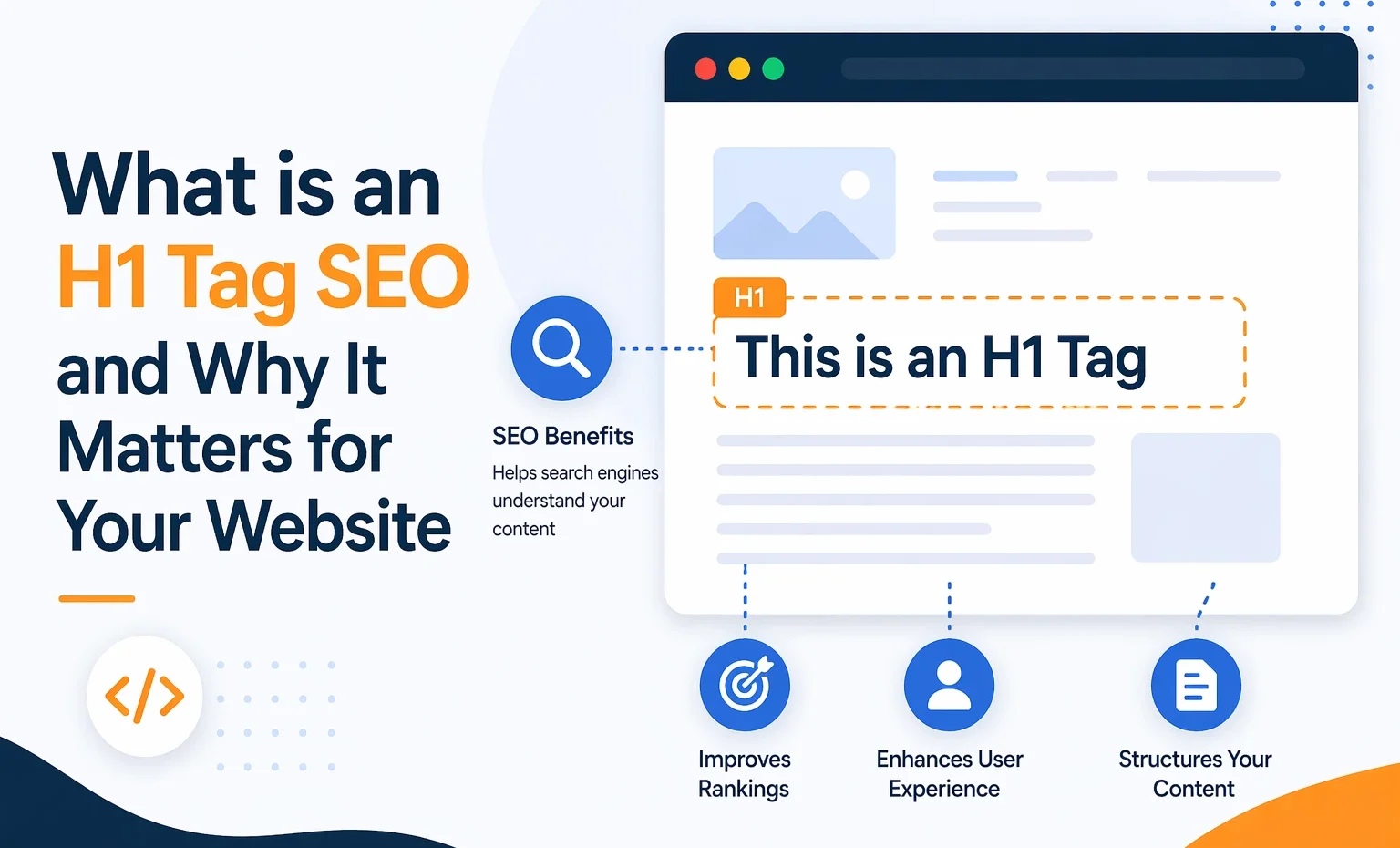
What is an H1 Tag SEO and Why It Matters for Your Website
In search engine optimization (SEO), even small elements on your website can impact how your content performs. One crucial element is the H1 tag. If you’ve ever wondered what an H1 tag is, how it works, and why it matters for SEO, you’re in the right place.
This comprehensive guide will walk you through everything you need to know about H1 tags, from their definition and purpose to best practices and common mistakes. By the end of this article, you’ll have a clear understanding of how to use H1 tags effectively to improve your website’s visibility and user experience.
What is an H1 Tag in SEO?
An H1 tag is an HTML tag that shows the main title of a webpage. It is usually the first and most important heading on a page. It tells both users and search engines what the content is about.
In simple terms, the H1 tag acts as the headline of your page. When someone lands on your website, the H1 is usually the first thing they notice. It sets the tone and provides a clear idea of what to expect from the content.
From an SEO perspective, the H1 tag helps search engines understand the page’s topic. It plays a key role in organizing content and signalling relevance to specific search queries.
Why is the H1 Tag Important for SEO?
The H1 tag is more than just a title—it’s a powerful SEO tool. Here are the main reasons why it matters:
1. Helps Search Engines Understand Your Content
Search engines like Google use H1 tags to determine a webpage’s primary topic. A clear, keyword-rich H1 makes it easier for search engines to accurately index your content.
2. Improves User Experience
A well-written H1 tells visitors what your page is about. This helps readability and keeps users engaged. It also reduces bounce rates.
3. Supports Content Structure
The H1 tag is the top-level heading. H2 and H3 tags follow it. This order makes your content more organized and simple to scan.
4. Boosts SEO Rankings
An H1 tag alone will not guarantee top rankings. But when used correctly, it strengthens on-page SEO and can help you rank higher.
How H1 Tags Work in HTML
H1 tags are part of HTML and are used to define headings. Here’s a simple example:
<h1>What is an H1 Tag SEO and Why It Matters for Your Website</h1>
This tells the browser and search engines that this is the page’s main heading.
Difference Between H1 and Other Heading Tags
Understanding the hierarchy of heading tags is essential:
- H1: Main title (used once per page)
- H2: Subheadings
- H3: Subsections under H2
- H4–H6: Further subdivisions
Think of it like a book:
- H1 = Book title
- H2 = Chapter titles
- H3 = Section headings
This structure helps both readers and search engines navigate your content easily.
Best Practices for Using H1 Tags
To get the most out of your H1 tag, follow these best practices:
1. Use Only One H1 Tag Per Page
Each page should use a single H1 tag for clarity and focus.
2. Include Your Primary Keyword
Your H1 should have the main keyword you want to rank for. It should sound natural, not forced.
3. Keep It Clear and Descriptive
Avoid vague or generic titles. Your H1 should clearly describe the page’s content.
4. Make It User-Friendly
Write for humans first, not just search engines. A compelling H1 encourages users to stay and read.
5. Match Search Intent
Ensure your H1 aligns with what users are searching for. If someone clicks your link, the H1 should confirm they’re in the right place.
Common Mistakes to Avoid
Even though H1 tags are simple, many website owners misuse them. Here are some common mistakes:
1. Using Multiple H1 Tags
Having more than one H1 can confuse search engines and weaken your SEO.
2. Keyword Stuffing
Overloading your H1 with keywords makes it look spammy and reduces readability.
3. Missing H1 Tag
Some pages don’t have an H1, which is a missed SEO opportunity.
4. Using Images Instead of Text
If your H1 is embedded in an image, search engines may not be able to read it properly.
5. Duplicate H1 Tags Across Pages
Each page should have a unique H1 to avoid duplicate content.
How to Write an Effective H1 Tag
Creating a strong H1 tag requires a balance between SEO and readability. Here’s how you can do it:
Step 1: Identify Your Main Keyword
Choose the keyword that best represents your content.
Step 2: Write a Clear Headline
Make sure it directly reflects the topic of your page.
Step 3: Keep It Concise
Aim for 20–70 characters for optimal readability.
Step 4: Make It Engaging
Use words that capture attention and encourage clicks.
H1 Tags and User Experience
User experience (UX) is an important ranking factor. H1 tags play a key role. When users land on your page, they scan it quickly. A strong H1 helps them:
- Understand the topic instantly.
- Decide whether to stay or leave.
- Navigate the content easily.
A confusing or poorly written H1 can drive users away, increasing your bounce rate.
H1 Tags in Mobile Optimization
With mobile usage dominating the internet, your H1 tags must be mobile-friendly. This means:
- Keeping them short and readable
- Ensuring proper formatting on small screens
- Avoiding overly long or cluttered headlines
A clean and responsive H1 improves both usability and SEO performance.
Role of H1 Tags in Content Marketing
H1 taH1 tags are key for content marketing. They serve as hooks to draw readers in. Whether it’s a blog post, landing page, or product description, the H1 sets the stage. For example, businesses offering SEO Services use optimized H1 tags to target keywords. This helps attract clients searching for online solutions. Tags and Website Accessibility
Accessibility is another important factor. Screen readers use H1 tags to help visually impaired users understand the structure of a webpage.
A well-structured H1:
- Improves navigation for all users
- Ensures compliance with accessibility standards
- Enhances overall usability
How H1 Tags Impact Click-Through Rates
Your H1 tag often aligns with your page title in search results. A compelling headline can:
- Increase click-through rates (CTR)
- Attract more organic traffic.
- Improve engagement
Think of your H1 as both an SEO element and a marketing tool.
Tools to Analyze and Optimize H1 Tags
There are many tools available to help you optimize your H1 tags, such as:
- SEO audit tools
- Content optimization platforms
- Website crawlers
A digital marketing agency typically uses these tools to analyze heading structures and improve on-page SEO performance.
H1 Tags vs Title Tags: What’s the Difference?
Many people confuse H1 tags with title tags, but they are not the same.
- Title Tag: Appears in search engine results and browser tabs
- H1 Tag: Appears on the webpage itself
While they can be similar, they don’t have to be identical. However, keeping them aligned is a good SEO practice.
Real-Life Example of a Good H1 Tag
Let’s say you have a blog about fitness:
Bad H1: “Home”
Good H1: “10 Effective Workouts to Lose Weight Fast”
The second example is clear, keyword-rich, and engaging.
Final Thoughts
The H1 tag is one of the most fundamental yet powerful elements of on-page SEO. It serves as the main heading on your webpage, guiding both users and search engines in understanding your content.
Using H1 tags well makes your website clearer, improves user experience, and can boost your search engine rankings. Whether you’re a beginner or an experienced website owner, mastering H1 tags is a simple step that can lead to meaningful SEO improvements.
FAQs
1. How many H1 tags should a page have?
A page should ideally have only one H1 tag to maintain clarity and proper structure.
2. Should the H1 tag include keywords?
Yes, including your primary keyword in the H1 tag helps search engines better understand your content.
3. Can H1 and title tags be the same?
Yes, they can be the same, but they don’t have to be. Slight variations can sometimes improve SEO.
4. What happens if I don’t use an H1 tag?
Without an H1 tag, search engines may find it harder to understand your page, which can affect rankings.
5. Are H1 tags still important for SEO in 2026?
Yes, H1 tags remain an essential part of on-page SEO and continue to play a significant role in content optimization.
